
PWA or Native App? A Decision Guide for Businesses
Progressive web apps have closed much of the gap with native apps. Here's how to decide which one your project actually needs.
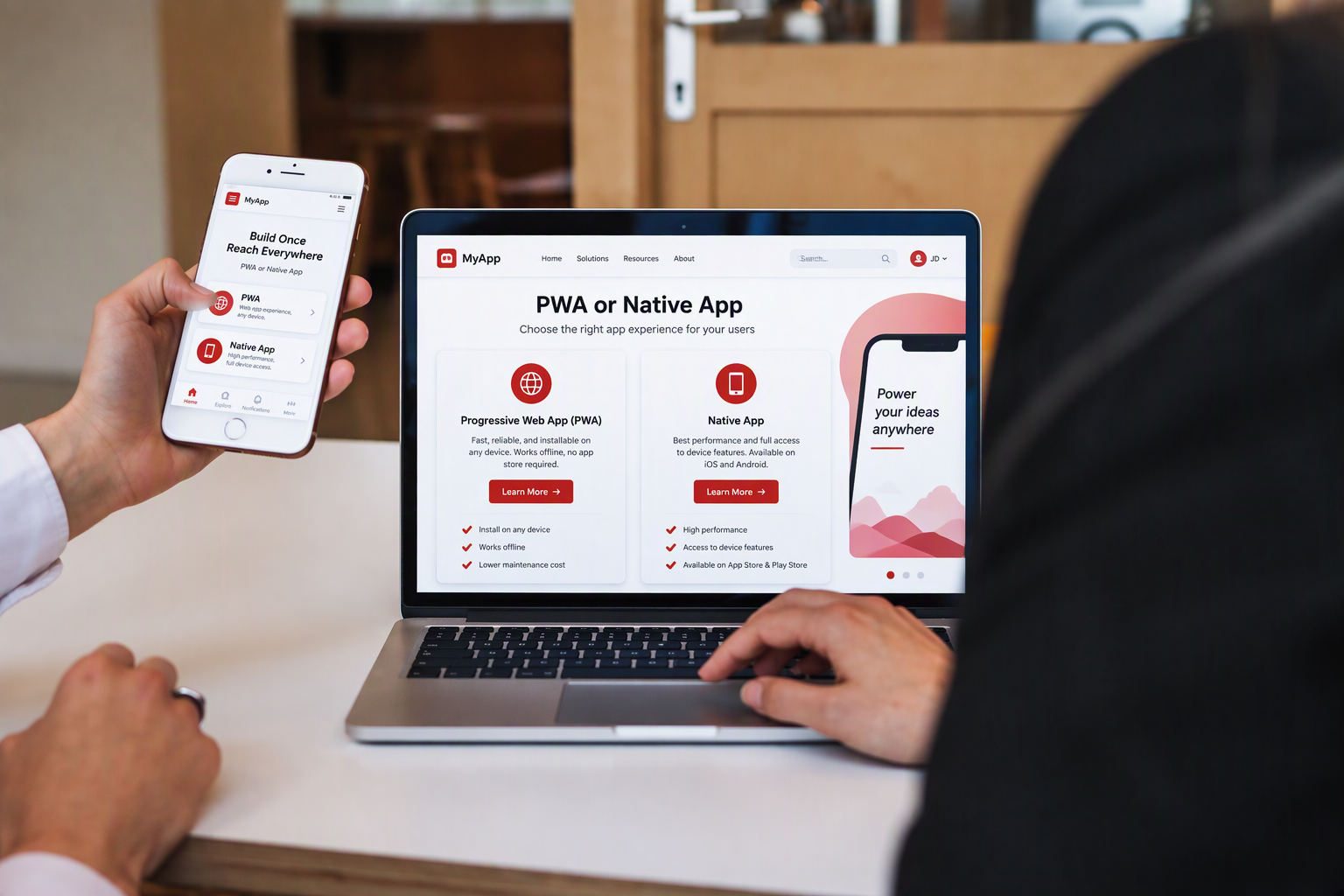
"Do we need an app?" is one of the first questions businesses ask us. The follow-up is just as important: a native app built for iOS and Android, or a progressive web app (PWA) that runs in the browser but behaves like an app?
A few years ago, native was the safe default for anything serious. That's no longer true. PWAs now offer offline use, push notifications, background sync and performance that's hard to tell apart from native, at a much lower development cost.
What a PWA actually is
A PWA is a website built to work like an app. Users can add it to their home screen, open it full-screen without browser bars, use it offline, and receive notifications. There's one codebase for every device, and updates go live the moment you deploy them, with no app store review.
When a PWA is the better choice
- Internal business tools. Field service apps, approval workflows, inventory checks and dashboards for employees rarely need app store distribution.
- Customer portals and self-service. Order tracking, account management and booking work well in a PWA and are easy to share by link.
- E-commerce. Fast loading and no install barrier help conversion, and search engines can index your content.
- Tight budgets or timelines. One codebase means faster delivery and lower maintenance than building two native apps.
- Frequent updates. You ship changes instantly without waiting for app store approval.
When native is still worth it
- Deep hardware access. Apps that rely heavily on Bluetooth devices, advanced camera features, NFC or background location work best natively, especially on iOS.
- High-performance graphics. Games, AR experiences and heavy media editing benefit from native performance.
- App store presence matters. If customers expect to find you in the App Store or Google Play, native gives you that visibility.
- Platform-specific features. Widgets, deep OS integrations and some payment or health features are native-only or work best natively.
Quick decision guide
| If your app needs to… | Lean toward |
|---|---|
| Work offline and send notifications | Either; PWA is cheaper |
| Reach users instantly by link, no install | PWA |
| Be found in app stores | Native |
| Use Bluetooth, NFC or background location heavily | Native |
| Ship updates daily without review | PWA |
| Run demanding graphics or AR | Native |
| Launch quickly on a limited budget | PWA |
The middle path: cross-platform frameworks
There's also a third option. Frameworks like React Native and Flutter let you build native apps for iOS and Android from one shared codebase. You get app store presence and most native capabilities, at lower cost than two fully separate apps.
Many businesses also start with a PWA to validate demand, then build a native app once they know which features matter most to users.
Questions to ask before you decide
- Who are the users, and how will they find the app?
- Which device features are truly essential, not just nice to have?
- How often will you update it?
- What's your budget for building and maintaining it over three years, not just the launch?
How QCSTech can help
QCSTech builds web and mobile applications for enterprises across retail, real estate, logistics and travel. We help you choose the right approach for your users and budget, then design, build and support it.
Tell us about your app idea and we'll recommend the right path.